Expired Domain SEO Checklist
Restoring an expired domain is one of the fastest ways to build SEO authority — but only if the restoration is done correctly. This checklist gives you a step-by-step framework to recover rankings, backlinks, and indexing power.
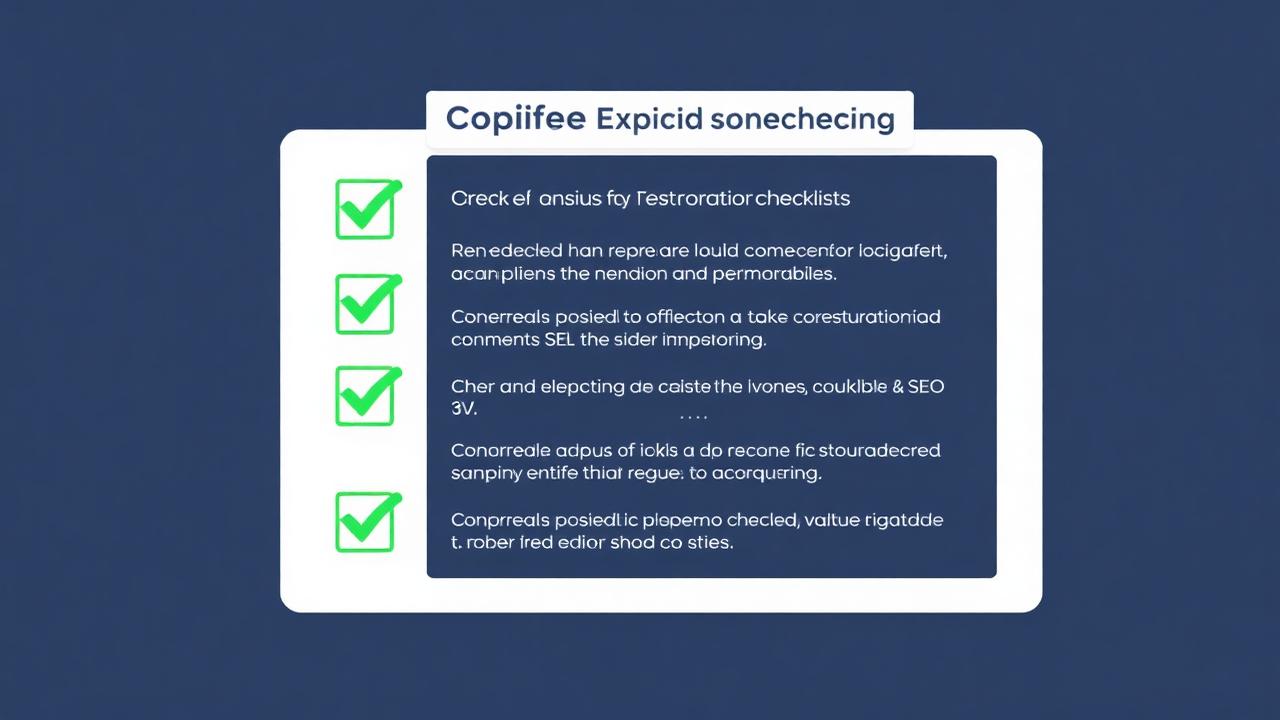 Restore Full Website Instantly
 Verify Domain Quality Before Work
Check if the domain is worth restoring. Review:
- Wayback history (clean, no spam takeover)
- Backlinks and referring domains
- Spam score and anchor text pattern
- Archived content availability
- Relevance to your niche or money site
A clean history = strong SEO potential.
Restore Website Content

If snapshots exist, extract content:
Manual method
- • Download pages one by one from archive
- • Copy text and save images manually
- • Fix internal paths manually
Automatic method
- ✔ Full archive extraction → ZIP ready in minutes
- ✔ Clean HTML + CSS + JS + Images + URL structure
Rebuild URL Structure
Backlinks point to old URLs. Losing them = losing SEO.
- Keep slugs identical where possible
- Only rewrite if necessary
- Use 301 redirects for URL changes
Example redirect:
/old-article.html → /old-article/
Relevance matters more than exact copy.
Rebuild Menus + Internal Links
Internal links distribute authority inside the site.
- Restore navigation structure
- Recreate sidebar and footer links
- Connect related pages into clusters
- Fix Wayback URLs to clean paths
Strong internal linking accelerates indexing.
Submit to Search Engines
- Add to Google Search Console
- Create and submit sitemap.xml
- Fetch important URLs manually
- Track indexing, coverage & errors
Search engines must find your pages again.
Refresh Content for Better Rankings
Google rewards updated pages.
- Improve headings & keyword targeting
- Add new images or media
- Expand thin pages to 800+ words
- Add FAQs & structured data
- Include outbound links to authority sources
Restored + refreshed content ranks fastest.
Build Supporting Content
Expired domains grow stronger with new posts:
- Publish niche articles
- Create topic clusters around main pages
- Add internal links back to old URLs
- Answer search questions in simple form
Maintain Backlinks
Check backlink profile regularly:
- Recreate top pages with links
- Replace 404 pages
- Use 301 redirect mapping
- Monitor lost links & outreach if needed
Improve Technical SEO

- Add SSL certificate (HTTPS)
- Enable mobile responsiveness
- Optimize loading speed
- Set proper canonical tags
- Fix any crawl errors
Growth Optimization
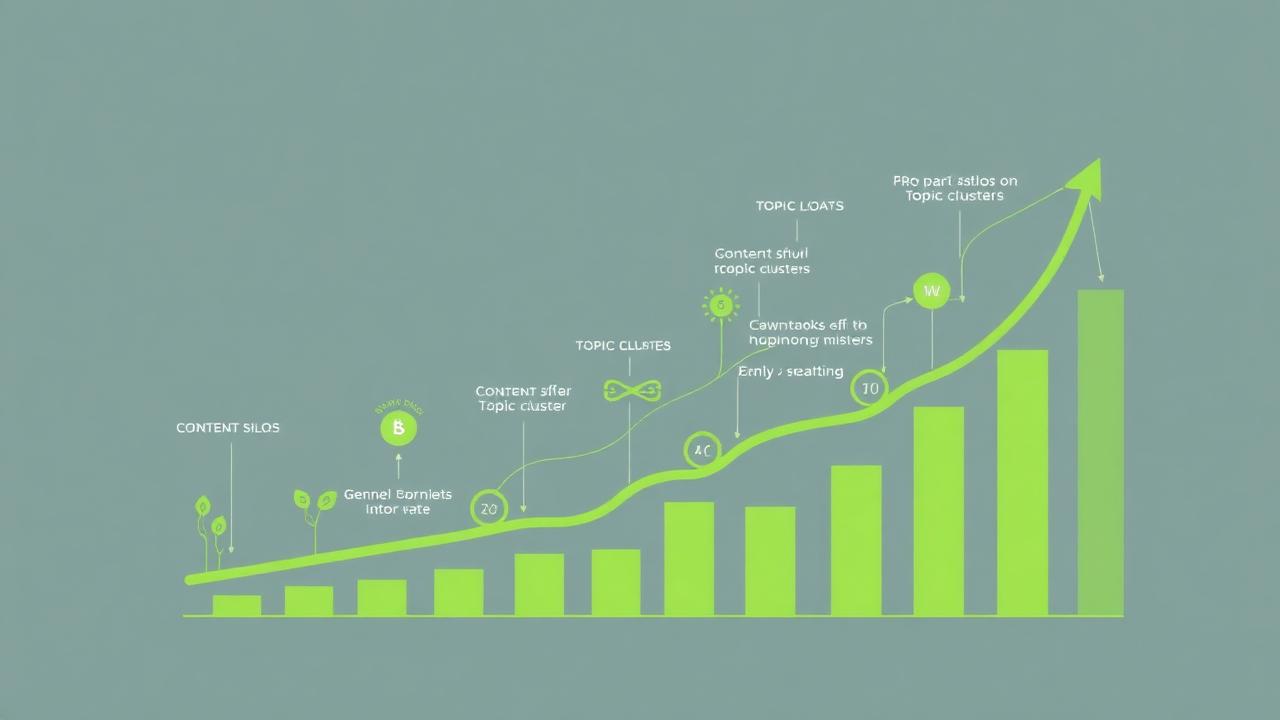
After restoration, scale the domain:
- Add internal linking hubs
- Create content silos
- Build external links carefully
- Consider turning into authority site or PBN asset
- Track search performance weekly
Expired domains shine when nurtured.
Quick Checklist Summary
Follow these steps for fast ranking return.
FAQ
Conclusion
Expired domains are powerful SEO tools when restored properly. By following this checklist, you can recover link value, rebuild content, restore structure, and climb back in search results quickly. Manual rebuild works — but slow. Automatic recovery is faster, easier, cleaner.
Restore Your Expired Domain NowGet full ZIP. Deploy. Regain SEO.