PBN Website Recovery Service
Expired domains are gold for SEO — but only if restored correctly. A domain with backlinks, authority and history can boost rankings dramatically, but rebuilding the site manually takes hours of work. That's where PBN website recovery services come in.
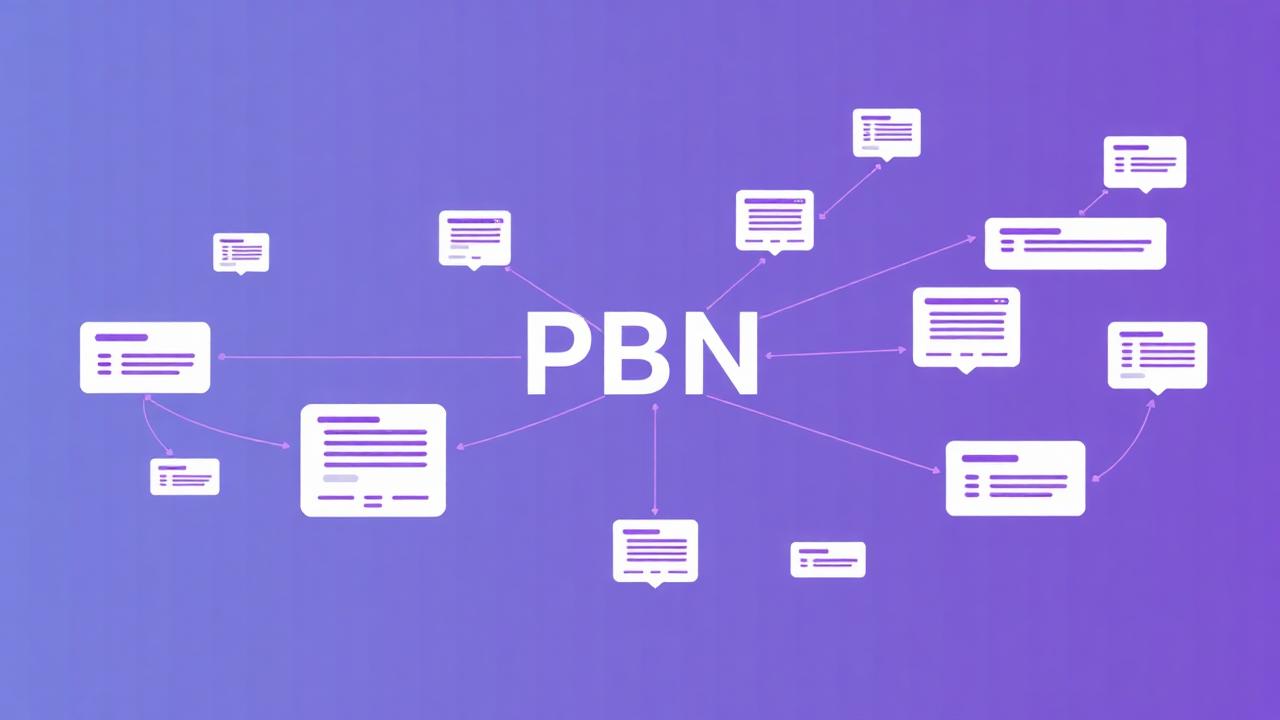 Restore PBN Site Instantly
 What Is a PBN Website Recovery Service?
A PBN recovery service restores expired domains using archived versions of the website. It extracts:
And rebuilds it into a working HTML ZIP package, ready for hosting. Perfect for building private blog networks, restoring aged authority domains, relaunching old content for SEO, and bringing link power back to life.
Why PBN Recovery Is Powerful for SEO
Expired domains often have:
When restored correctly, you regain link equity, crawl history, and topical authority. Which means faster ranking potential compared to new domains.
But there's a catch — If restored incorrectly (wrong URLs, missing pages, broken internal links), SEO power dies. That's why structured recovery is essential.
Manual vs Automatic Recovery
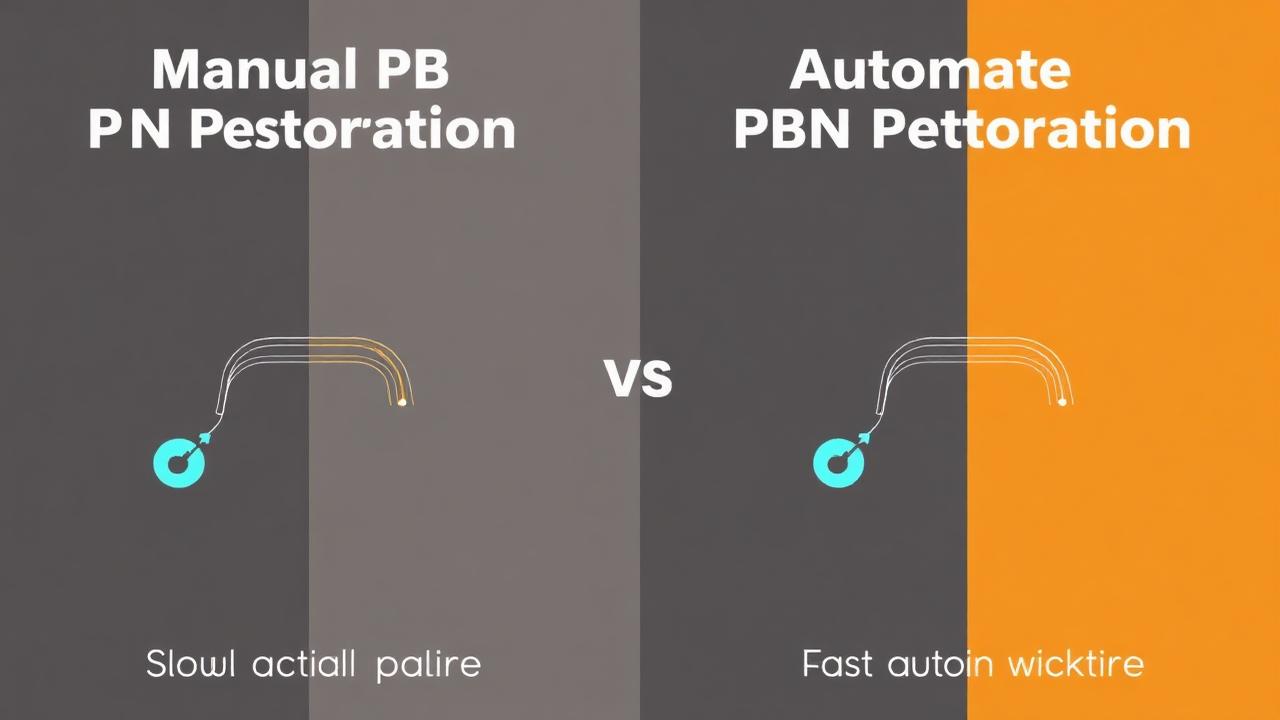
Manual (slow process)
- • Download pages from archive
- • Extract CSS, JS, images manually
- • Fix broken links
- • Rebuild layout & design
- • Check snapshots repeatedly
Can take hours or days.
Automatic (fast & reliable)
- ✔ Full archived site extracted
- ✔ Images + CSS + JS recovered
- ✔ Internal links fixed
- ✔ Delivered as clean ZIP
- ✔ Ideal for PBN deployment
Speed: minutes, not days.
How Our PBN Recovery Method Works
- 1Enter domain into system
- 2Tool gathers archived snapshots
- 3Rebuild mapping of site pages
- 4Extracts HTML + assets
- 5Fixes URLs and internal paths
- 6Outputs ZIP website package
Upload to hosting → live instantly.
Deploying Your Recovered PBN Site
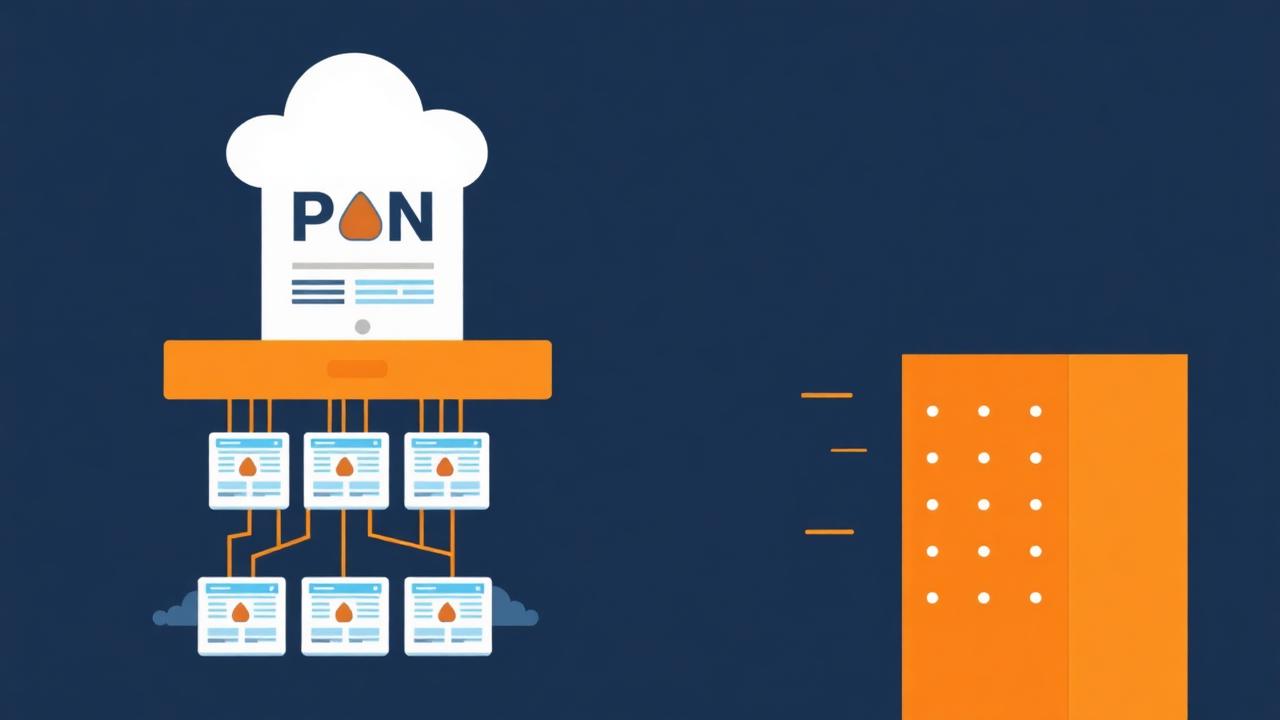
Hosting Setup
- Upload ZIP to /public_html/
- Extract files
- Connect domain DNS
- Install SSL
- Live immediately
If using multiple PBN sites:
- ✔ Use different hosting IPs
- ✔ Separate Google accounts
- ✔ Unique themes per site
Avoid footprints.
How to Make a Recovered PBN Look Natural

Google dislikes obvious PBNs. To keep it safe and effective:
Do:
- ✔ Update homepage text
- ✔ Add 2–5 fresh articles
- ✔ Add About + Contact pages
- ✔ Include authority outbound links
- ✔ Link to money sites sparingly
Avoid:
- ❌ Duplicated designs across multiple sites
- ❌ Thin pages with only outbound links
- ❌ Keyword-stuffed anchors everywhere
A PBN should look like a real website.
When to Use PBN Recovery
Ideal for:
Common Issues & Fixes
FAQ
Conclusion
Expired domains are powerful SEO assets — if restored right. With PBN website recovery, you can bring domains back to life, recover link authority, and build ranking power quickly and efficiently. Manual builds take time. Automatic recovery does it in minutes.
Recover PBN Website NowEnter domain → Restore → Deploy. Build faster. Rank faster. Scale your network.