Recreate Expired Site to Keep Backlinks
One of the biggest advantages of buying an expired domain is inherited backlinks — but if you don't recreate the old site properly, those links lose power and Google treats the domain like new.
 Recreate Expired Website Automatically
 Download full site ZIP with pages + CSS + images fast.
Why Recreate the Old Site Instead of Starting From Zero?
Backlinks point to old URLs. If those URLs return 404, you lose link equity.
Recreating the site allows you to:
- ✔ Keep authority & topical trust
- ✔ Preserve link juice
- ✔ Recover rankings faster
- ✔ Bring indexed pages back
- ✔ Avoid fresh domain sandbox
- ✔ Reduce link building work
Expired domains are valuable because of the links, not the name. Recreate → Don't replace.
Step 1 — Check What the Old Site Looked Like
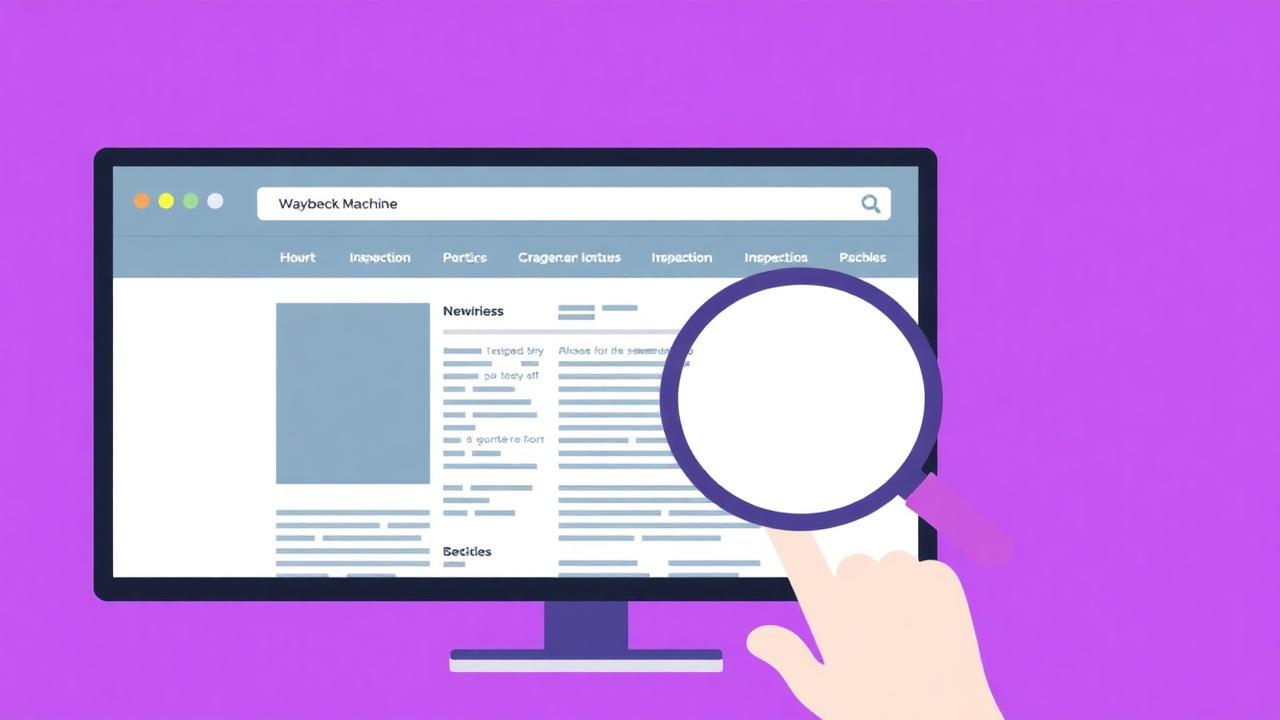
Go to archive.org/web and inspect snapshots. Look for:
- Homepage structure
- Main pages + categories
- Blog post URLs
- Navigation & footer links
Take notes — structure matters more than visuals.
Step 2 — Decide How You Want to Recreate It
You have three options:
1. Full Website Restore (best for backlinks)
Recreates original content & URLs exactly as archived.
2. Partial Restore + Modern Upgrade
Restore structure → rewrite content → new design.
3. Archive Recovery + WordPress Migration
Restore static → rebuild inside WordPress.
Option #1 preserves backlinks fastest.
Step 3 — Recover Content & Assets
Manual method:
- • Copy HTML pages individually
- • Download images one-by-one
- • Fix broken archive URLs
- • Rebuild navigation manually
Slow but works.
Automatic method:
- ✔ Pages extracted
- ✔ Images recovered
- ✔ CSS/JS included
- ✔ Internal links fixed
- ✔ ZIP file ready to upload
Step 4 — Preserve URL Structure
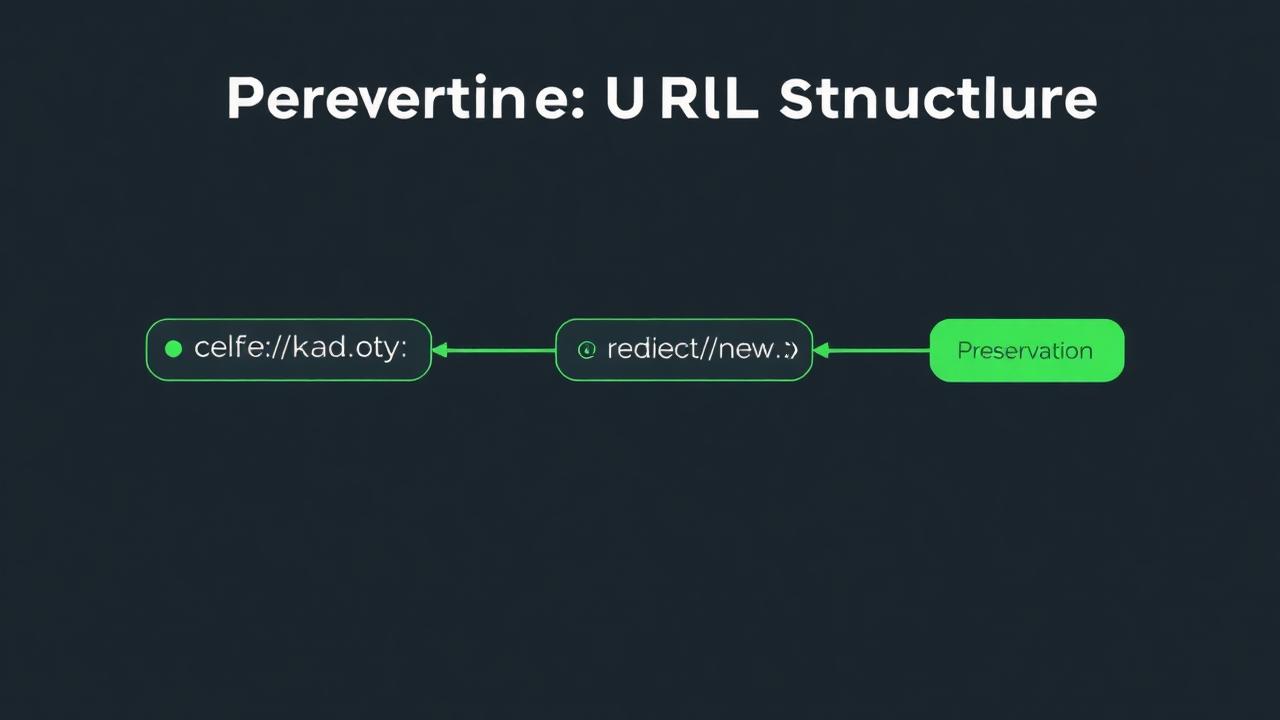
Most important SEO rule:
Keep URL slugs identical to archived URLs whenever possible.
Example:
Old archive URL:
/blog/seo-tips-2019/
New must match:
/blog/seo-tips-2019/
If you change it to /seo-tips/, backlinks break.
If using WordPress, use 301 redirects. Match first. Redirect only when needed.
Step 5 — Fix Internal Linking
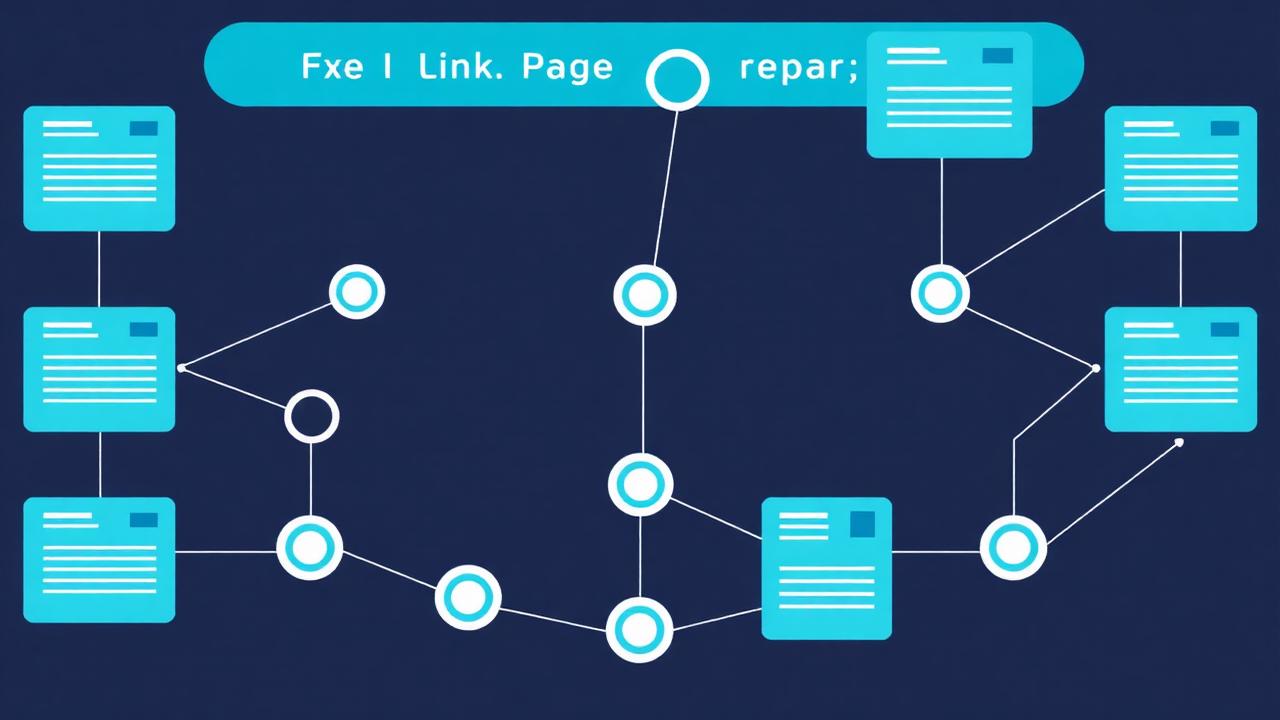
Internal links amplify backlink power. Restore:
- ✔ Menu links
- ✔ Sidebar links
- ✔ Footer links
- ✔ In-article links
Remove archive prefixes:
web.archive.org/.../page.html
→ /page.html
If structure is broken, link equity won't distribute.
Step 6 — Submit to Search Console & Index Fast
- Create sitemap.xml
- Add domain to Google Search Console
- Submit sitemap
- Request indexing for top pages
- Monitor coverage + crawl stats
Index return typically 2–8 weeks.
Step 7 — Publish Fresh Content
Google loves activity & freshness. Post:
- ✔ New blog articles
- ✔ Niche guides
- ✔ Updated content
- ✔ News or tutorials
2–10 supporting posts boost relevance fast.
When to Rewrite vs Restore Content?
Restore original text if:
- ✔ Backlinks point to the page
- ✔ Article still relevant
- ✔ Content is indexed historically
Rewrite if:
- ✔ Outdated information
- ✔ Low quality text
- ✔ Content thin and short
- ✔ New SEO keywords needed
Update = better than replace.
Common Problems & Fixes
FAQ
Conclusion
Recreating an expired site is the best way to keep backlinks alive and reclaim lost SEO authority. By restoring the structure, recovering content, and matching URLs, you bring link value back instead of starting from scratch. Manual works but slow. Automatic recovery = fast, clean, powerful.
Recreate Your Expired SiteScan → Recover → Deploy → Keep backlinks.