Recover Old Ecommerce Site from Archive
Did your ecommerce store go offline after domain expiration or hosting shutdown? Lost product pages, categories, images, and descriptions? If your store is archived in the Wayback Machine, you can recover and rebuild the entire ecommerce website.
 Recover Ecommerce Site Automatically
 Get full HTML + CSS + JS + Images as ZIP.
Why Recover an Old Ecommerce Store?
Old ecommerce domains often still hold valuable SEO assets:
Rebuilding is faster and smarter than starting from zero. You can restore the old store fully, convert it into Shopify/WooCommerce, reuse product descriptions & photos, or flip the domain for profit.
Step 1 — Check the Store on Wayback Machine
- Visit archive.org/web
- Type your domain (oldstore.com)
- Open multiple snapshot years
- Find the version where store looks complete
Look for:
- Full navigation menu
- Product pages working
- Category pages visible
- Cart/checkout optional (not always archived)
Pick the cleanest snapshot.
Step 2 — Recover Ecommerce Content
Manual Method (slow)
- • Copy product text manually
- • Save pages one by one
- • Download images manually
- • Rebuild category structure
Works but takes time.
Automatic Restore (recommended)
- ✔ Product pages recovered
- ✔ Images & descriptions saved
- ✔ Internal links fixed
- ✔ CSS/JS styling restored
- ✔ Site delivered as ZIP
Step 3 — Rebuild Product Pages & Categories
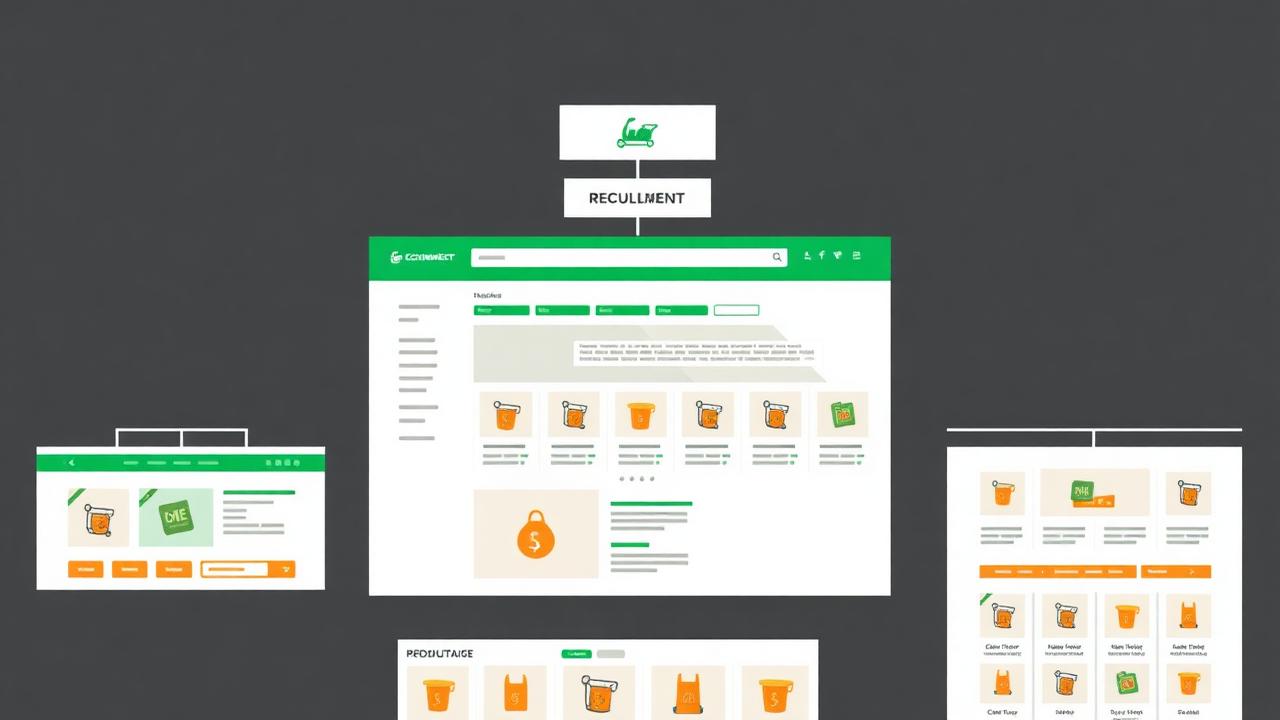
Ecommerce recovery focuses on structure:
/category/women-shoes/
/product/nike-runner-x1/
/product/adidas-speed-boost/
/contact/
/about/
Restore exact URLs to retain SEO value. If moving into Shopify or WooCommerce, mirror slug format. Keep product titles & descriptions similar so Google recognizes content.
Step 4 — Restore Product Images
Images may not always load in the first snapshot. Try:
- Older snapshot
- Newer snapshot
- File list viewer
- Automatic extractor
If missing images completely → use recovered text & re-source visuals later.
Step 5 — Deploy Restored Store
Static Deploy (fastest)
Upload ZIP → /public_html/ → Go live
Good for archived display or affiliate store rebuild.
Convert to Modern Platform
WooCommerce: Install WordPress + WooCommerce, create products, upload images, rebuild categories.
Shopify: Import content manually or CSV mapped, upload photos, create collections.
Step 6 — Restore SEO & Backlinks
To recover ranking power:
- ✔ Match original URLs
- ✔ Create 301 redirects if needed
- ✔ Submit sitemap.xml
- ✔ Request indexing in Search Console
- ✔ Rebuild top-linked product pages first
Rewriting content 20–40% gives fresh ranking signals.
Step 7 — Improve for Modern Conversion
Old ecommerce layouts may look outdated. Upgrade:
- New design theme
- Improved product photos
- Add trust badges
- Modern payment methods
- Faster hosting + CDN
Archive gives foundation — you polish and scale.
Common Problems & Solutions
FAQ
Conclusion
Losing an ecommerce site doesn't mean losing everything. With archive recovery, you can rebuild product pages, restore categories, and revive SEO value — even after expiration. Manual restore works but slow. Automatic restore is fast, clean and beginner-friendly.
Recover Your Old Ecommerce WebsiteEnter domain → Download ZIP → Relaunch your store.