Restore Business Website After Expiration
A domain expires. Hosting shuts down. Suddenly the business website is gone — emails stop working, customers can't find you, SEO traffic drops overnight. But if the website existed before, you can restore the full site using archive snapshots.
 Recover Your Old Website Automatically
 Download full HTML + CSS + JS + Images as a single ZIP.
Why Business Sites Must Be Recovered Quickly
When a business website disappears, you risk losing:
But good news — if archived versions exist, the website is not lost. Recovery benefits:
- ✔ Restore your online presence
- ✔ Regain Google rankings
- ✔ Preserve old backlinks
- ✔ Revive brand authority
- ✔ Prevent competitors from taking position
Step 1 — Check Archive Snapshots
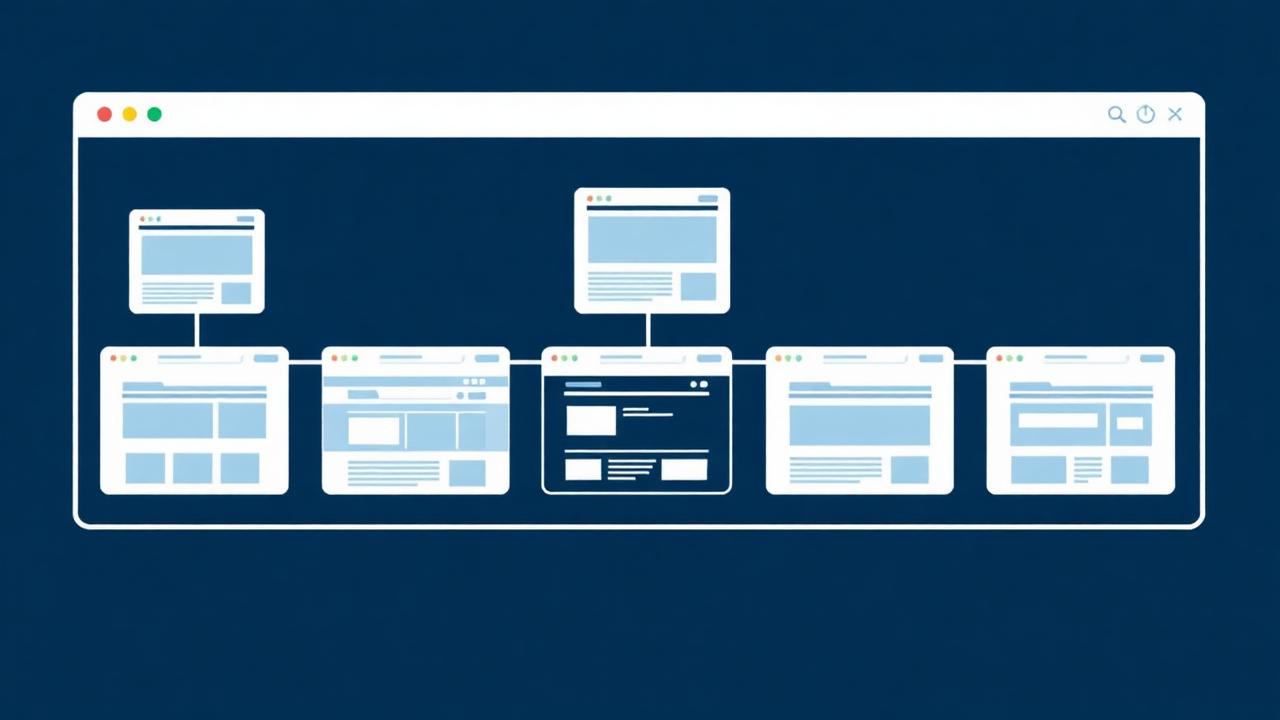
- Go to https://archive.org/web
- Enter your domain: yourbusiness.com
- Look for snapshots where homepage loads fully
- Check that about/contact pages work
- Verify service/product pages are visible
Try multiple dates for best copy.
Step 2 — Recover Website Files
Manual Method (slow)
- • Save pages individually
- • Download images one-by-one
- • Copy text manually
- • Rebuild layout from scratch
Works, but time-consuming.
Automatic Method (recommended)
- ✔ Whole site extracted
- ✔ Internal links cleaned
- ✔ Branding/layout preserved
- ✔ Delivered as ZIP ready to upload
Step 3 — Upload to Hosting & Go Live
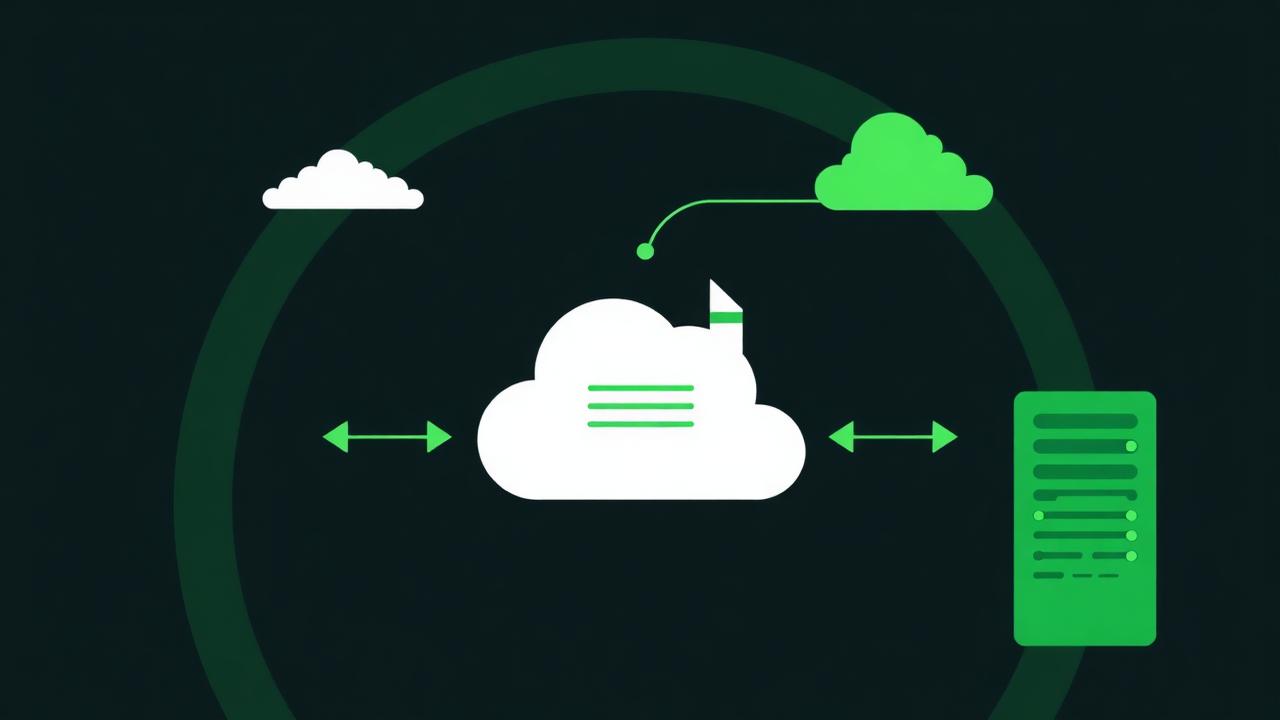
Restoring as static website:
- Log into hosting panel
- Upload ZIP to /public_html/
- Extract files
- Domain becomes live again
Migrating to WordPress:
- Install fresh WordPress
- Create pages matching old URLs
- Paste recovered content
- Reupload images
- Rebuild menu + structure
Step 4 — Restore Business Essentials
After website is live again:
Step 5 — Recover SEO Value

Ranking loss isn't permanent — it can return fast with structure restoration. Actions to take:
- Rebuild or match old URLs — /services.html → keep or redirect properly
- Add sitemap.xml — List all URLs for crawling
- Submit to Google Search Console — Request indexing for fast return
- Check backlinks — Recreate pages with external links pointing to them
- Publish new content — Signal freshness and activity
Business websites return to rankings faster than you think.
Step 6 — Modernize the Restored Site
Old site is your foundation — now improve it:
- Update text, pricing, offers
- Add strong CTA buttons
- Optimize for mobile & speed
- Refresh branding if needed
- Add FAQ, testimonials, portfolio
Step 7 — Prevent Future Domain Loss
When site is restored:
- ✔ Enable auto-renew
- ✔ Use reliable registrar
- ✔ Maintain backup copies
- ✔ Monitor domain expiration email alerts
Common Issues & Fixes
FAQ
Conclusion
A business website expiration doesn't have to be permanent. Archive recovery allows you to restore your site, recover SEO, rebuild authority and relaunch your online presence quickly. Manual restoration works, but slow. Automatic recovery is fast, clean and hands-free.
Recover Your Business Website InstantlyEnter domain → Restore → Launch. Get your business back online today.