Why download an old website as a ZIP?
A ZIP is the easiest format to work with. Once downloaded, you can:
- View the site offline
- Upload it to hosting and make it live again
- Copy content to a new website
- Convert it to WordPress later
- Use it for SEO on an expired domain
- Keep it safe as a permanent backup
ZIP = files in one place, nothing complicated.
What can you get inside the ZIP?
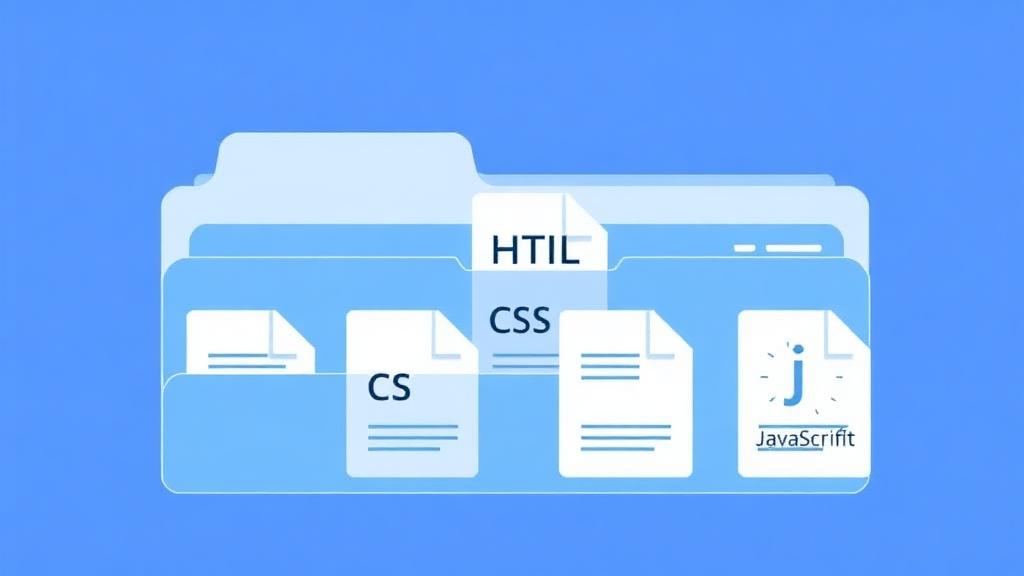
If the site is archived, your ZIP may contain:
- HTML pages
- CSS styling and layout
- Images & media files (if saved)
- JavaScript files
- Internal links repaired
- Folder structure intact
You get a functional copy, not just screenshots or text.
How to Download an Old Website as ZIP
Here's the fast way anyone can use — no coding needed.
1Enter the domain you want to download
Go to RestoreMyWebsite.com and type the domain of the website you want.
Example: oldblogexample.com
Click Download / Restore.
2Choose a snapshot version
You will see archived copies of the website saved over time. Preview versions and select the one that looks most complete or most recent.
Tip: If images are missing, try an older snapshot — sometimes older versions stored more files.
3Start the download
Click Restore, log in or create an account, then complete the one-time payment based on page size.
Our system automatically rebuilds the website and prepares your ZIP package. No manual downloading. No copy-paste. No file hunting.
4Download your ZIP file
When it's ready, click Download ZIP.
You will also get an email with a download link. You can keep the ZIP forever and download it again from your dashboard anytime.
Small sites take seconds. Medium sites take a few minutes. You don't need to wait on the page — we notify you when it's done.
Manual Download vs Automated ZIP Download
You could save each page manually… but it isn't fun.
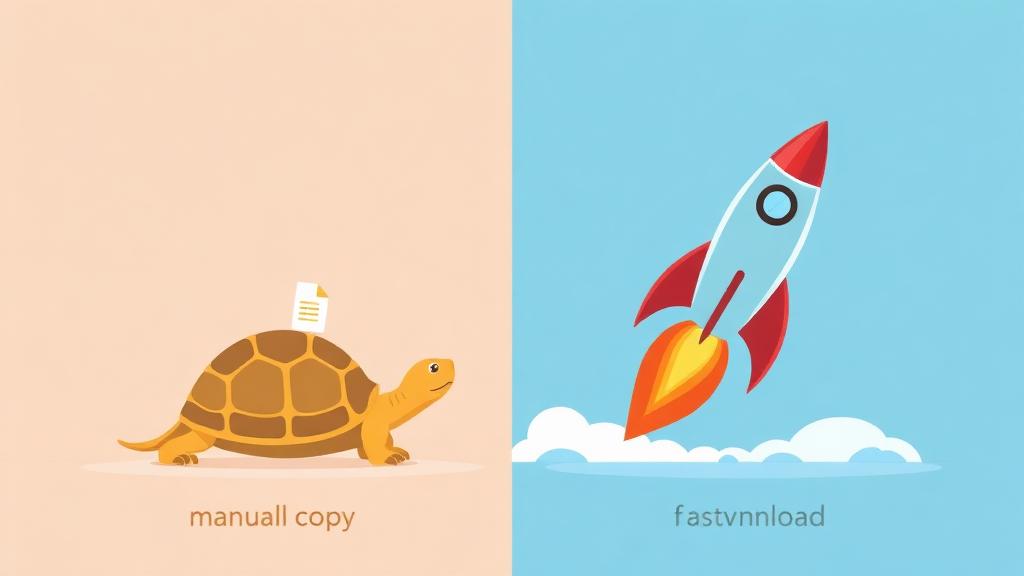
| Manual Download | Automated ZIP Restore |
|---|---|
| Save one page at a time | Full site in one package |
| Broken links remain broken | Links auto-fixed |
| Images often missing | Archived media fetched |
| Hours or days of work | Minutes of work |
| Requires technical steps | No tech needed |
Automation wins every time.
After Download — What Can You Do With the ZIP?
Once you have the files:
- Open index.html to view the site offline
- Upload everything to new hosting
- Rebuild it into WordPress or modern design
- Reuse content for SEO or new projects
- Preserve it as an archive backup
Many SEO users download old sites to recover ranking content for expired domains.
FAQ — Quick Answers
Download an old website as ZIP now
Enter the domain below and check for snapshots. If a version exists — you can download it today.