Why would you restore an old website?
Different people have different reasons — here are the most common ones:
- You lost your site after letting the domain expire
- You want old content for SEO or redirecting to a new site
- You bought an expired domain and want historical content back
- You need text, images, layout or reference for rebuilding
- You want to re-launch a project that once existed
- You need files for legal, brand or archive reasons
- A client asks you to revive something they no longer have
Old websites often contain valuable content, backlinks, brand history and authority. Bringing it back can be a huge win.
What can be restored?

When you recover an old website, you may get back:
- HTML pages
- Blog posts & text content
- Images, CSS, JS (if archived)
- Page structure and folders
- Internal links rebuilt correctly
Not everything may exist — the archive only stores what was captured. But even partial recovery can save days or weeks of work.
How to Restore an Old Website – Step by Step
Follow these simple steps:
1Enter the old domain
Type the domain you want to recover.
Example: oldsiteexample.com
Press Restore Now.
2Select an archived version
You will see snapshots saved over the years. Click around to preview how the website looked on different dates.
Tip: If something seems missing, try older snapshots — sometimes those are more complete.
3Start the restore process
Click Restore, then log in or create an account if you haven't already. Pay one time (based on number of pages), and the system starts rebuilding automatically.
No technical work required.
4Download your ZIP
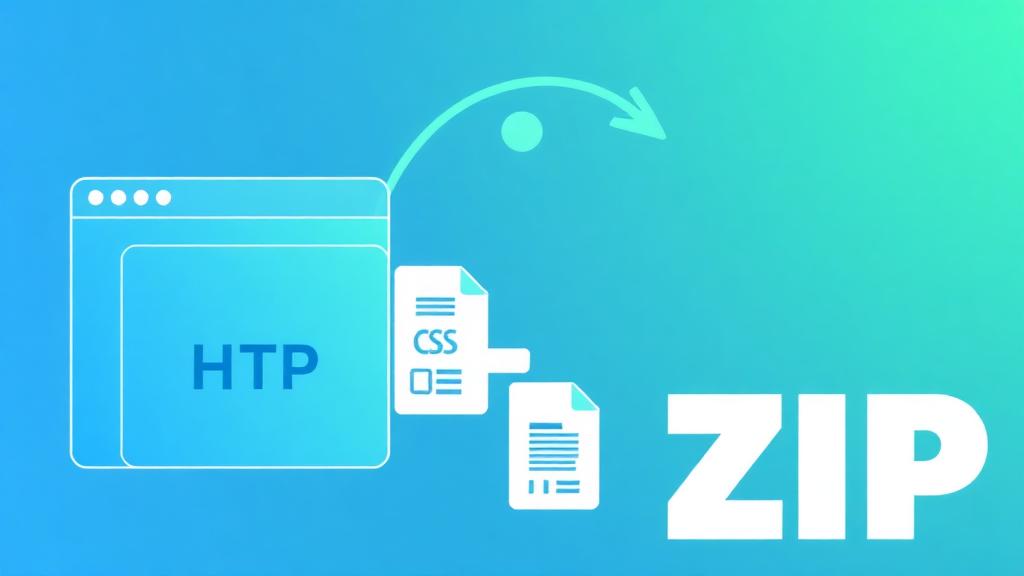
When the restore is ready, you will get:
- A ZIP file with the site structure
- Pages, text, images (when archived)
- Style files, layout and assets
- All internal links cleaned from archive wrappers
You can open it on your computer or upload it to any hosting service. You also receive an email when the file is done.
Example use cases
| Situation | Result |
|---|---|
| Lost your old blog | Recover articles and layout |
| Bought expired domain | Get original content for SEO |
| Website deleted years ago | Bring it back in minutes |
| No backup available | Archive works as a backup |
| Agency recovering client site | Save time & re-launch fast |
Manual recovery vs Automatic
You could copy pages manually from the archive — but it's slow and messy.
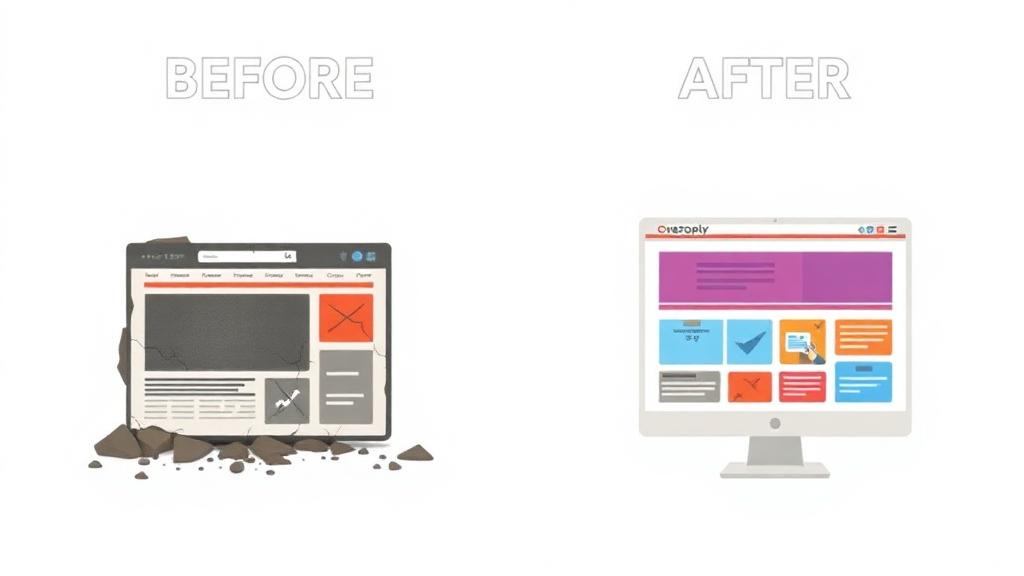
| Manual work | Automated restore |
|---|---|
| Copy one page at a time | Full site collected at once |
| Fix broken links yourself | Links auto-fixed |
| Images often missing | We fetch what was archived |
| Hours of work | Minutes of work |
Automation saves time, frustration and often money.
After restoring — what can you do with it?
Once downloaded, many users:
- Upload the website back online
- Use the content to rebuild a modern version
- Convert it into WordPress later
- Extract text for SEO or republish on a new domain
- Preserve brand history and resources
- Redirect to newer site for ranking boost
It's your site copy — you can work with it freely.
FAQ — Quick Answers
Restore an old website now
Enter the old domain and see available snapshots. If recovery is possible — you can bring it back today.
Bring old websites back to life — fast and simple.